Silent TMC2208 driver upgrade for the Kossel Mini
When I first got the Kossel Mini I was amazed by it. In that honeymoon phase I ignored this marvel of engineering’s (not so subtle) flaws. The most notable of these flaws is the level of noise it produces. The hot end and part cooling fans emit a steady swooosh and the drivers emit a robotic melody while the effector dances around the workspace. While I decide how to tackle the cooling side of things, for now I’ll concentrate on the stock Polulo A4988 drivers which are responsible for moving the axes up and down. They’re known for being noisey but they’re cheap and chinese clones are widely available.
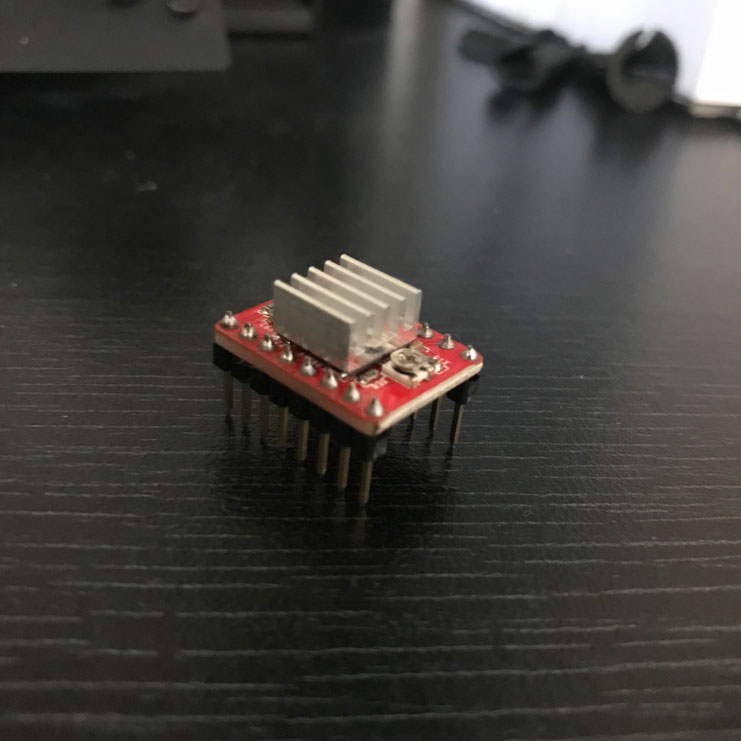
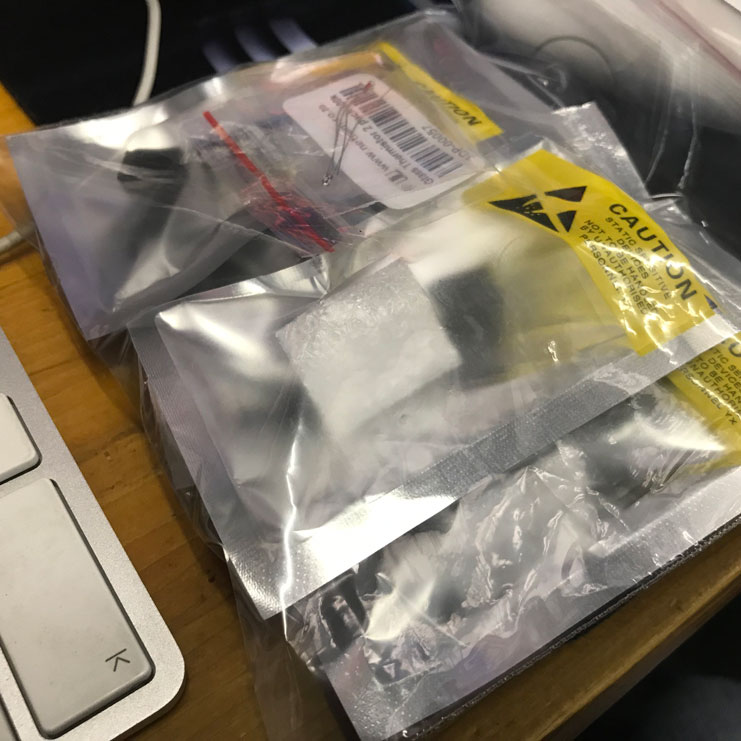
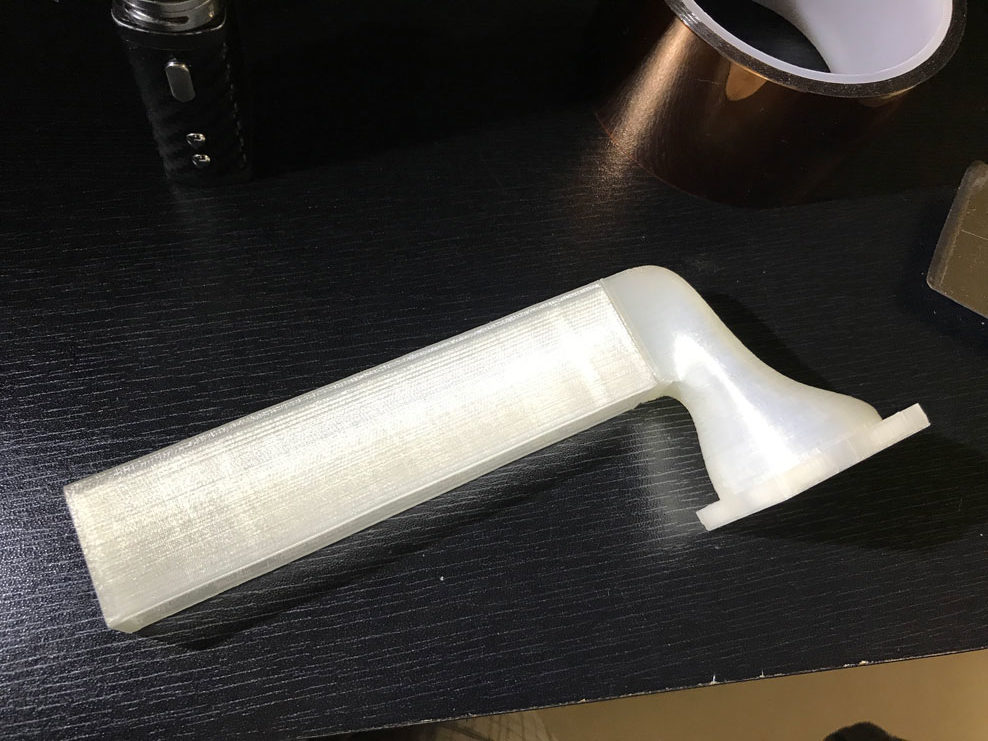
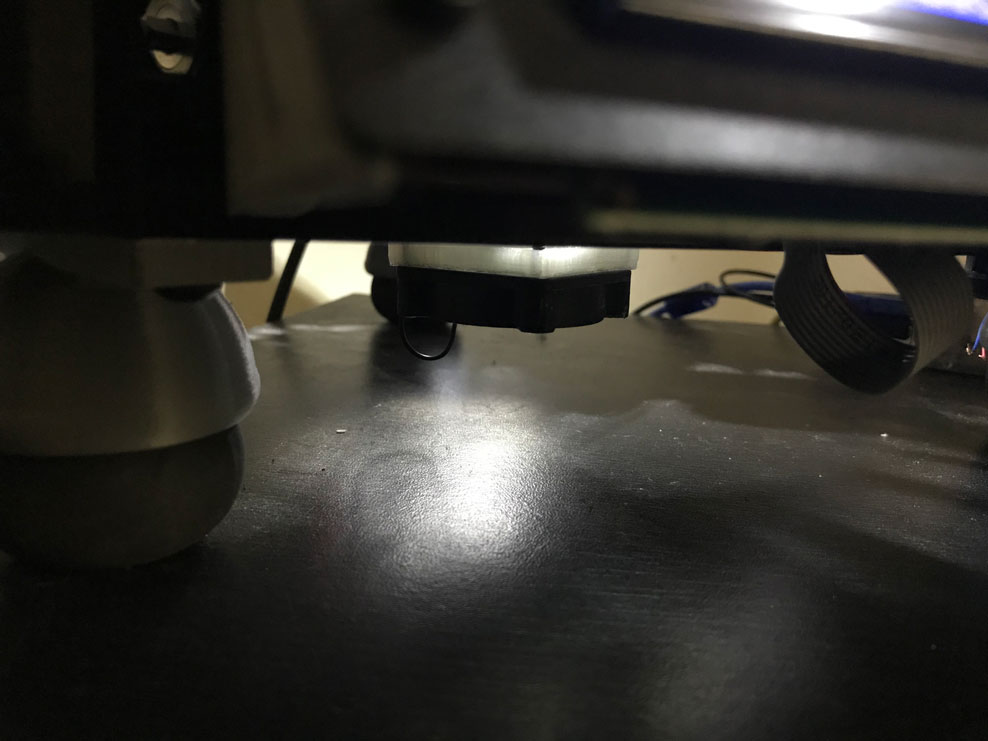
The drop-in replacement drivers, Trinamic TMC2208 are silent but that trade-off comes at a price: They run incredibly hot and so need active cooling in the form of heat sinks and some kind of fan. Raising the printer up with the squash ball feet also created some usable space underneath the board which I’m going to take full advantage of with this project by using a cooling duct / tunnel that exhausts underneath. Fortunately, adamghamel on Thingiverse has the same idea and I could save some time drawing it up. A quick print later in White PLA+ and we’re ready to roll.
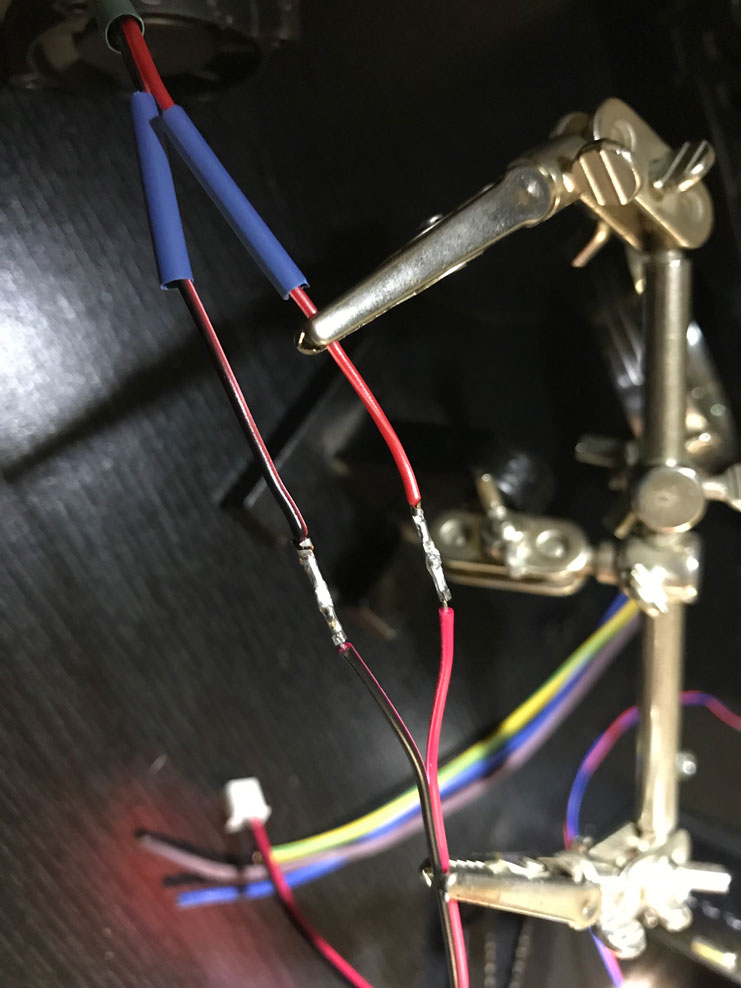
For the active fan control, I’ll use one of the spare fan headers and define the pin in the firmware to enable driver cooling. This will turn on the fan anytime the drivers or heating circuits are initialised. Unfortunately the new fans I got dont have the correct connectors so I’ll splice on one from an old fan after a quick polarity test.
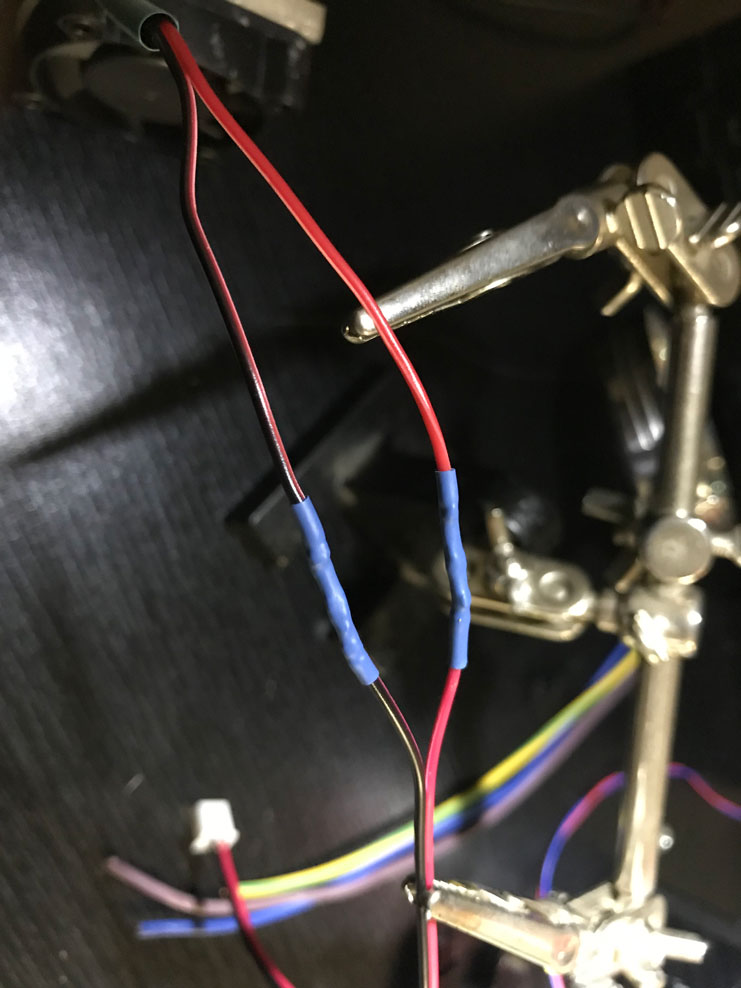
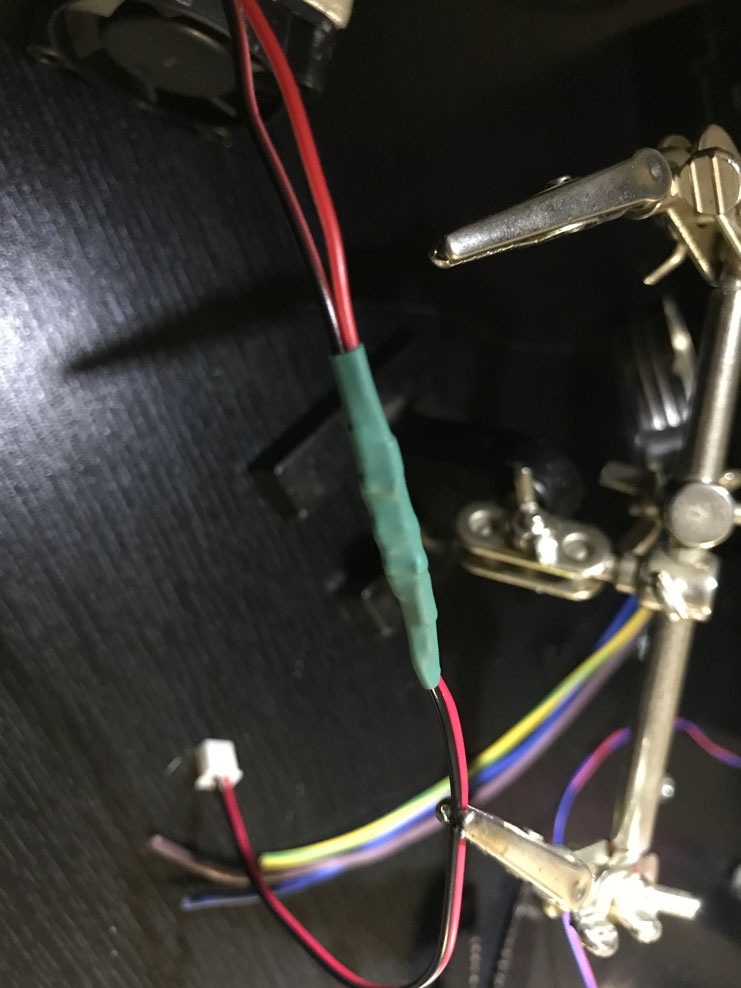
Next, I install the new drivers and heat sinks, set the vref and test that all axes are moving correctly.
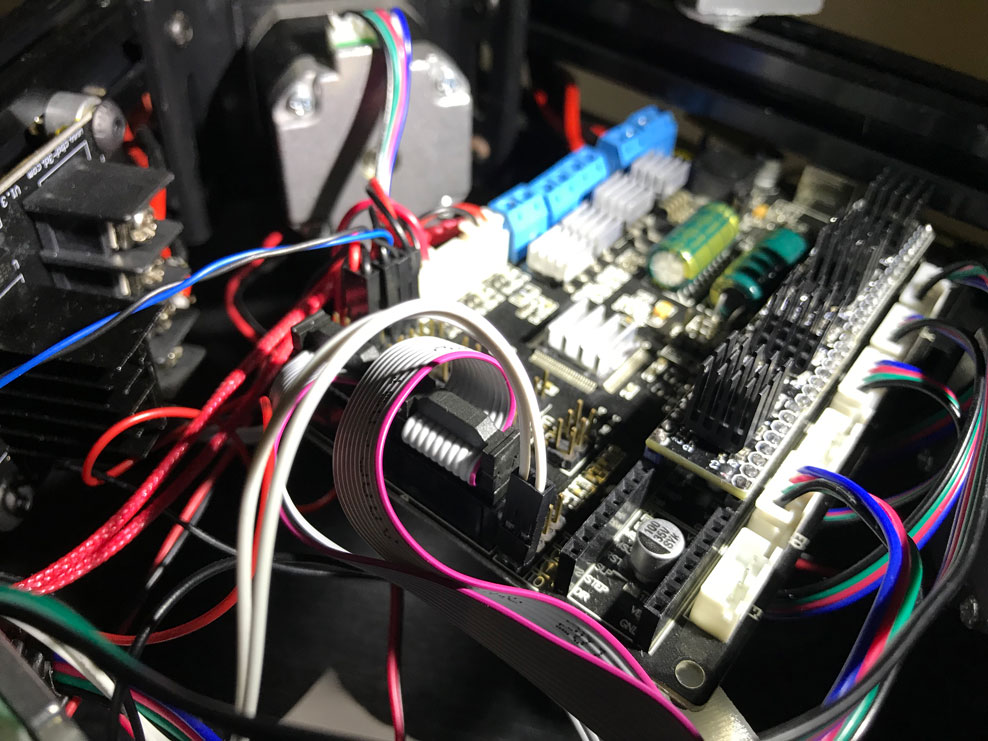
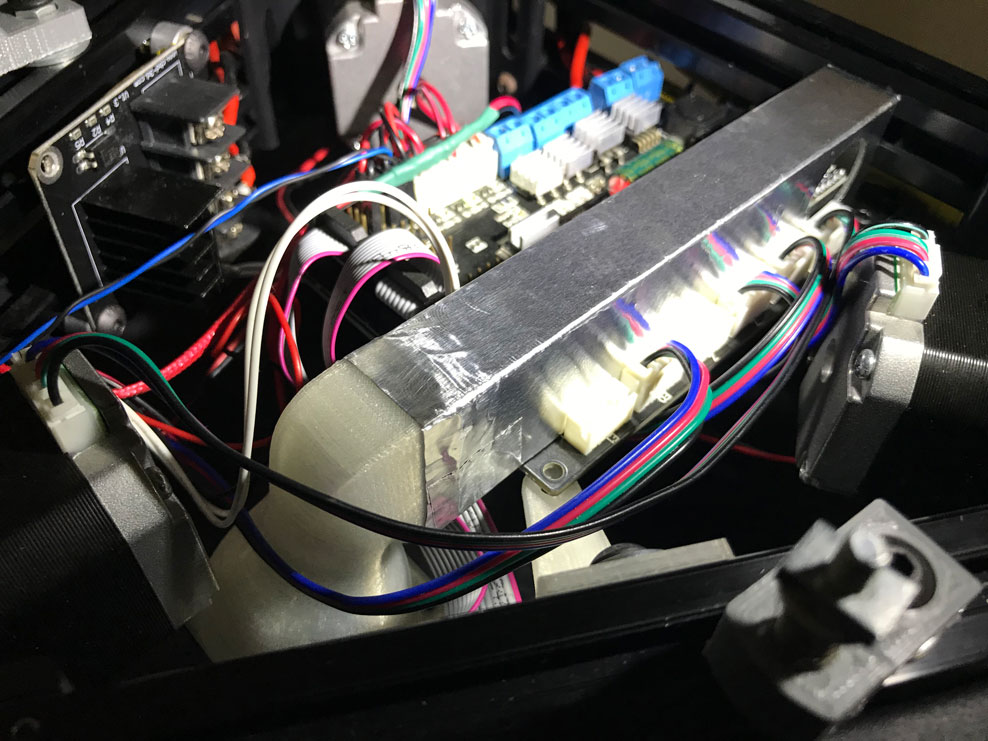
Satisfied that everything is working correctly (including the fan) I get to installing the tunnel over the heat sinks after applying a layer or aluminium tape to aid with heat dissipation and mounting the 40mm fan to the far side of the tunnel. The tunnel friction fits snugly onto the side of the driver header blocks and requires no additional mounting.
This upgrade was admin for days but was honestly one of the most worthwhile upgrades one can do. The printer lives in my home office and aside from the fans, one can would barely notice the printer was running. The hype is real – TMC2208s really are SILENT.